FAQ
Does WristUI run C# UI on a physical Apple Watch today?
Section titled “Does WristUI run C# UI on a physical Apple Watch today?”No verified device path yet. C# UI on the watch simulator via Native AOT is the supported path today. Physical device execution is unverified — do not assume device parity.
What are WidgetKit and App Clips?
Section titled “What are WidgetKit and App Clips?”Apple companion surfaces that fill Microsoft gaps for .NET — Home Screen / Mac widgets and moment-of-need App Clips. They are Story A (not the write-once WristUI.Sdk story). See WidgetKit and App Clips.
Is AvantiPoint.WristUI.Sdk available?
Section titled “Is AvantiPoint.WristUI.Sdk available?”Yes. AvantiPoint.WristUI.Sdk and the WristUI package id ship as the coordinating SDK and multi-targeted shared watch UI library. Existing Apple and Wear platform SDKs remain independently usable.
Is Wear OS ready?
Section titled “Is Wear OS ready?”Yes. AvantiPoint.WearOS.Sdk is ready — see Wear OS.
What is Pulse?
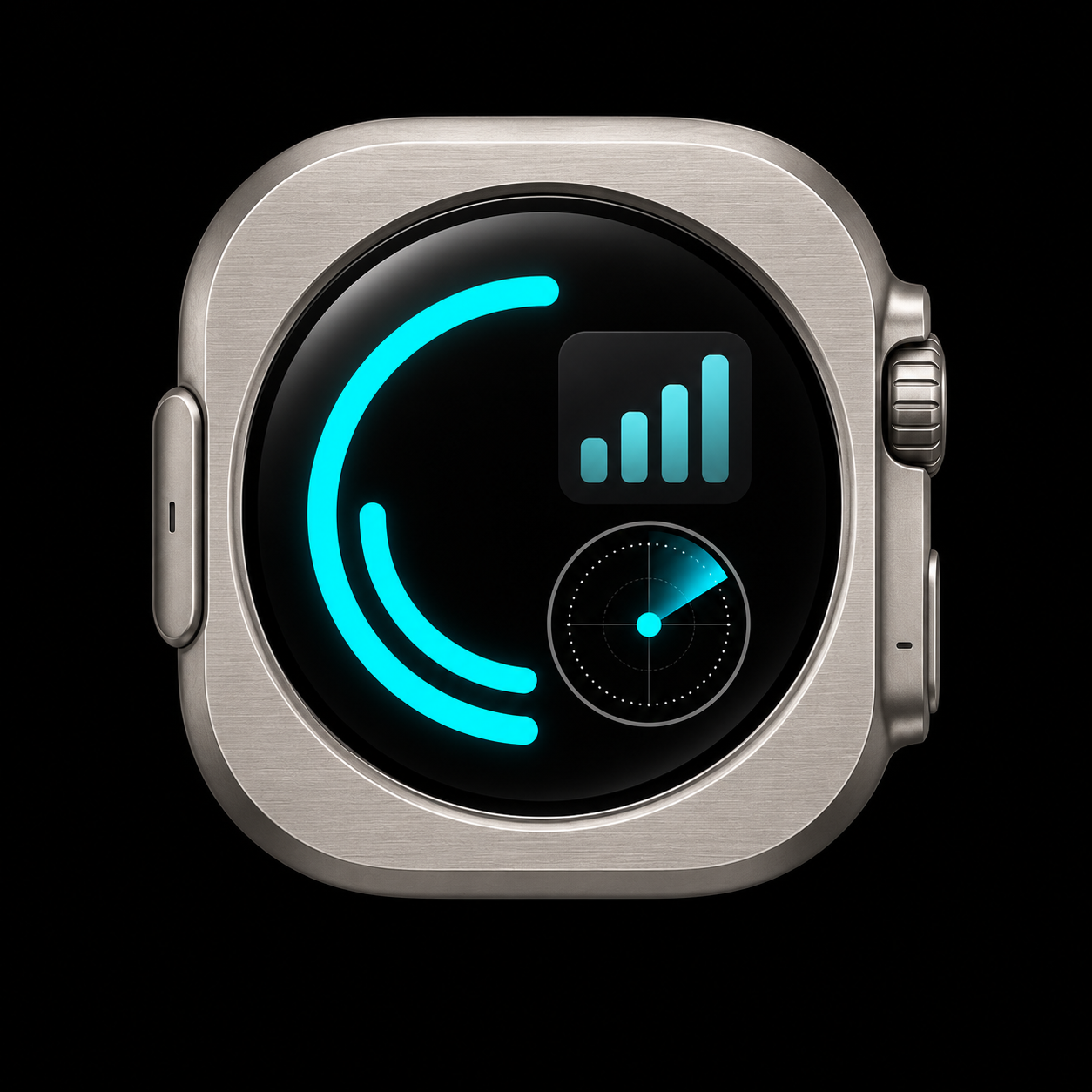
Section titled “What is Pulse?”Pulse is the WristUI fitness companion demo — zone, move, and complication — same C# UI on Apple Watch Ultra and Galaxy Watch. See Pulse.
What is explicitly out of scope?
Section titled “What is explicitly out of scope?”WristUI does not promise pixel-identical controls, automatic conversion of MAUI/Uno/Avalonia UI, a visual designer, or support for every platform API. Details: Scope.
Do I need to write Swift for consumer watch UI?
Section titled “Do I need to write Swift for consumer watch UI?”No. Zero Swift in the consumer UI path — author UI in C# / .NET. Native platform SDKs supply Apple toolchain integration.
Which packages ship?
Section titled “Which packages ship?”Platform SDKs: AvantiPoint.WatchOS.Sdk / WatchOS.Sdk, AvantiPoint.WearOS.Sdk, AvantiPoint.WidgetKit.Sdk, AvantiPoint.AppClips.Sdk, AvantiPoint.Apple.Extras.
Write-once: AvantiPoint.WristUI.Sdk (package id WristUI).
See Package map.
Are commercial tiers published?
Section titled “Are commercial tiers published?”Community, Professional, and Enterprise tiers are documented on Licenses. Contact hello@avantipoint.com to get a license.